



Envelopes - Digital Printed (Envelopes)
Description
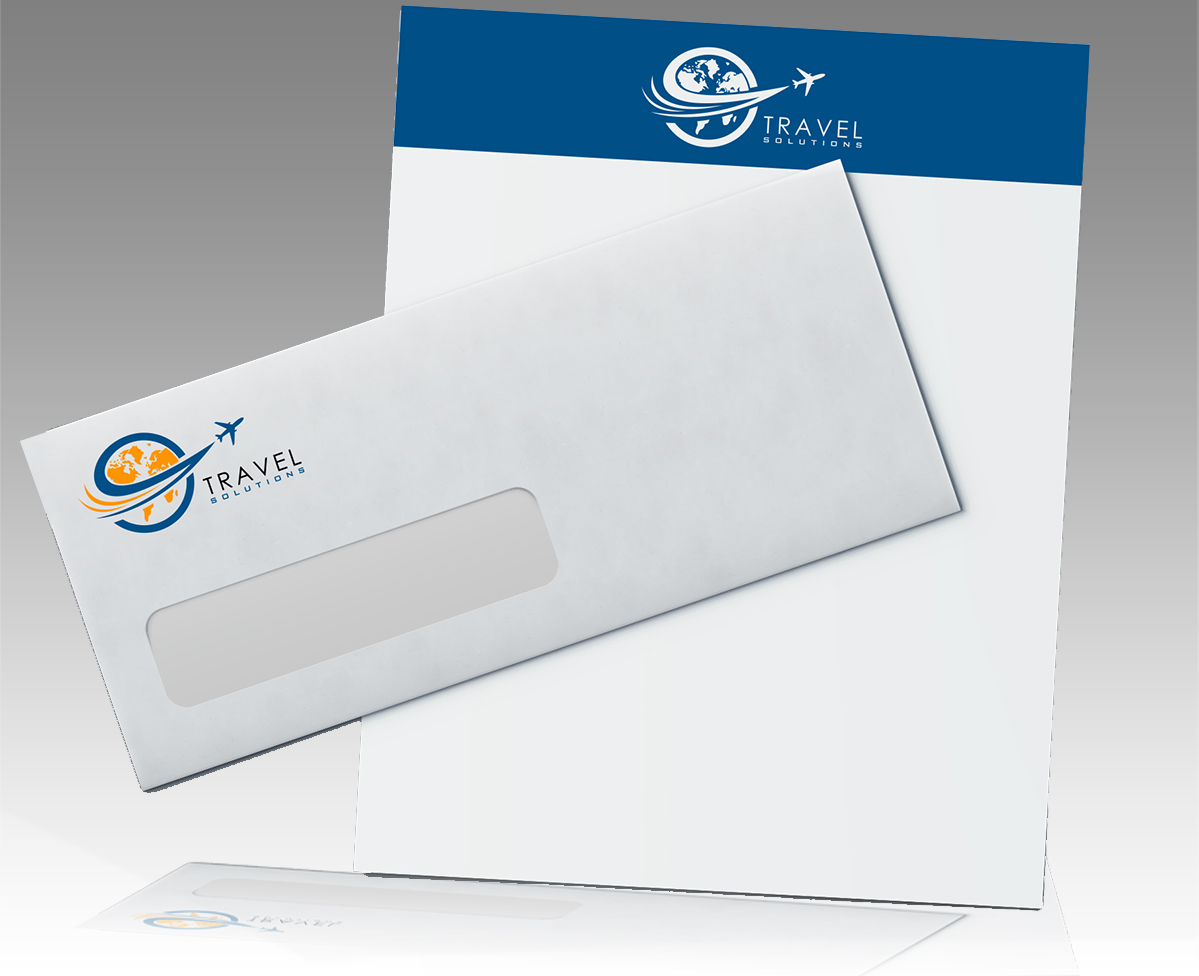
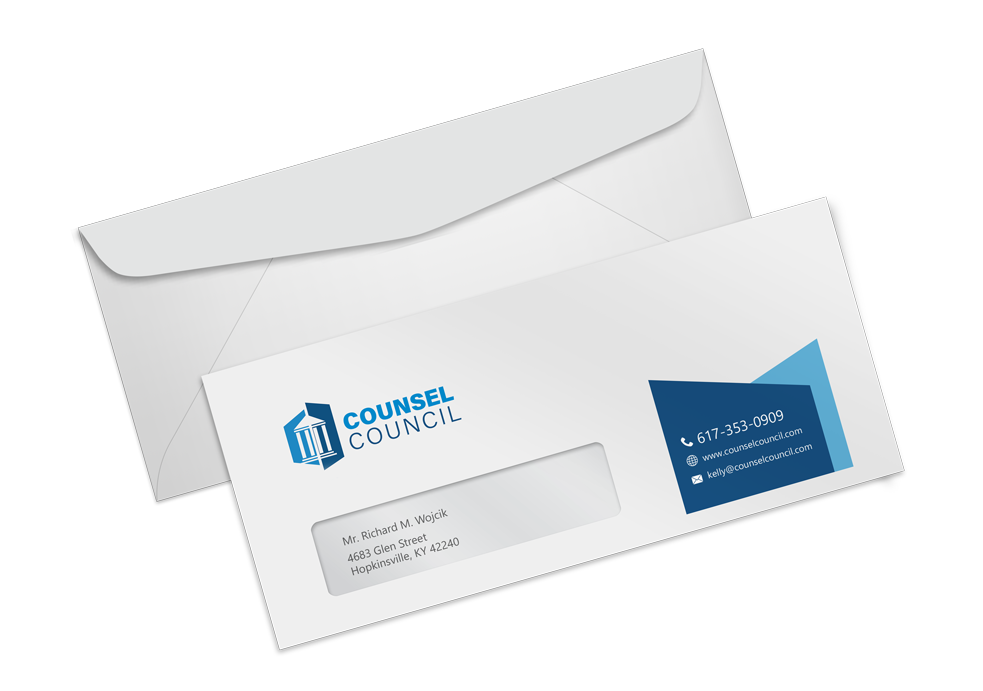
Our Digital Printed Envelopes are a quick way to have envelopes printed. Orders can be printed on the same day or the next day in limited quantities. Printing options are (1/0) Grayscale or (4/0) Full-Color. Envelopes can also be ordered without printing.
Available in many different sizes, our Digital Envelopes can print any image or text anywhere on the face of the envelope, with the option of printing on the back flap, as long as there is room for addressing and postage. We do not print our Digital Envelopes with a bleed. For more information, see the "File Setup" tab.
Recommendations
The most common order options are #10 Regular Envelopes (9.5" x 4.125") on 24# White Wove paper. #10 Envelopes fit standard 8.5" x 11" letterhead folded in thirds.
Marketing Tips
For that special occasion try our A series Announcement Envelopes, with the back flap printed for Weddings, Christenings, Anniversaries, or any other special occasions.
Our Digital Printed Envelopes are a great way to reinforce a company's identity and create a clean, consistent impression. These professional printed envelopes provide the touches that show high attention to detail and help you manage your brand consistently with a short turnaround.
Standard Sizes
Our standard sizes, listed below, are the most popular in the industry:
- #9 Envelope - 8.875" X 3.875"
- #9 Envelope w/ Window - 8.875" X 3.875"
- #10 Envelope - 9.5" X 4.125"
- #10 Envelope w/ Window - 9.5" X 4.125"
- A-2 - 5.75" X 4.375"
- A-6 - 6.5" X 4.75"
- A-7 - 7.25" x 5.25"
- A-9 - 8.75" x 5.75"
Each size (above) indicates the finished size of the Envelope.<
Client Furnished Envelopes
We can custom print your supplied Announcement Envelopes. Supplied Envelopes can be any standard Announcement Envelope size up to 9.5" x 5.75". We can print on any color including Black.
Black envelopes, or any other colored envelope can be printed with White, Gold, Silver or Clear printing.
24# White Wove
This is a premium uncoated, text weight, white wove business stock.
24# White Wove w/Inside Security
This is a premium uncoated, text weight, white wove business stock with inside blue security inprint.
60# Smooth White
Our Announcement Envelopes are printed on this premium uncoated, heavier text weight, white stock for that special occasion.
1/0 (Grayscale Front Side Only)
Grayscale on the front, which would be Black or Grayscale, and no printing on the back. A typical example of this is business envelope.
4/0 (Full Color Front Side Only)
Full Color on the front, and no printing on the back. A typical example of this an envelope with a full color logo, or text in full color.
Our full color printing is a blend a CMYK mix, for example, Cyan, Magenta, Yellow and Black combined.
Mailing Service
Our Mailing Service includes processing your mailing list through the NCOA (National Change of Address) database and includes variable data address printing on the front of the envelope to your mailing list. We require that mailing list be submitted on an Excel Spreadsheet.
Postage, or any additional processing will be billed before order is released. You will be provided with an estimated cost prior to processing the mailing. Direct Mailing Service may add 3 additional days to the Turnaround Time. Please see our Terms & Conditions for additional info.
Explanation of Turnaround Time
See a quick chart showing turnaround times
Turnaround times begin when the proof is approved. All times are based on standard business days Monday through Friday excluding federal holidays. Please note that turnaround time does not include shipping or mailing time. You may select from available production turnaround times and your preferred shipping time as you place your order.
Our products are the same great quality for every turnaround time we offer.
Same Day Turnaround
If you order a proof (Online PDF or Hard Copy Proof), your turnaround time begins as soon as you approve your proof in our system. If you order "No Proof, Run As Is" (only recommended if you are certain you want us to print what you sent as is), your turnaround time begins as soon as your order begins the imposition process. Once your order is in imposition, you should receive an email with your estimated order completion date (does not include shipping or mailing).
Guidelines
Files must be uploaded before the cut off time. If you request a proof, you must approve your proof by 4:00 p.m. in the time zone your order is produced for turnaround time to begin.
Same Day Shipped Orders
Orders will ship the same business days after 4:00 p.m. if you follow the guidelines.
Files uploaded after the cut off time will be processed the following business day.
Next Day Turnaround
If you order a proof (Online PDF or Hard Copy Proof), your turnaround time begins as soon as you approve your proof in our system. If you order "No Proof, Run As Is" (only recommended if you are certain you want us to print what you sent as is), your turnaround time begins as soon as your order begins the imposition process. Once your order is in imposition, you should receive an email with your estimated order completion date (does not include shipping or mailing).
Guidelines
Files must be uploaded before the cut off time. If you request a proof, you must approve your proof by 4:00 p.m. in the time zone your order is produced for turnaround time to begin.
Next Day Shipped Orders
Orders will ship the next business days after 4:00 p.m. if you follow the guidelines.
Files uploaded after the cut off time will be processed the following business day.
2-3 Days Turnaround
If you order a proof (Online PDF or Hard Copy Proof), your turnaround time begins as soon as you approve your proof in our system. If you order "No Proof, Run As Is" (only recommended if you are certain you want us to print what you sent as is), your turnaround time begins as soon as your order begins the imposition process. Once your order is in imposition, you should receive an email with your estimated order completion date (does not include shipping or mailing).
Guidelines
Files must be uploaded before the cut off time. If you request a proof, you must approve your proof by 4:00 p.m. in the time zone your order is produced for turnaround time to begin.
2-3 Days Shipped Orders
Orders will ship between 2 business days after 4:00 p.m. and 3 business days if you follow the guidelines.
Files uploaded after the cut off time will be processed the following business day.
Packaging
Envelopes will be packaged 500 per box.
Quantity
The minimum quantity on Digital Envelopes is 25. You can order from 25 to 10,000 by entering the quantity in the Pricing Calculator. Complete all order specifications in the pricing calculator and list the quantity on the "Enter Quantity" dropdown menu.
Due to our printing process, we print in specific quantity increments. If you would like an amount not listed in the pricing calculator, you have two options.
- Request a custom estimate for the specific quantity you need
- Order a larger quantity and ask us to ship only what you need
Ordering one of our specified quantities is generally more affordable than a custom estimate. Let us know how many units you would like shipped and we will recycle the excess for you. Simply choose the amount of items you would like recycled under the "shipping" section after placing your order.
We typically print more than the quantity ordered. Because printing is a manufacturing process, the total finished quantity may vary. We usually ship a few more than you order, but sometimes quantities can vary +/- 5%. Standard industry procedure is to consider this range shipment in full.
When to choose Offset
4-Color Offset printing is ideal for lower prices on large quantity orders or any time you would like coating on your products.
Almost always, people choose this option when ordering large quantities.
When to choose Digital
4-Color Digital printing is ideal for lower quantity orders and additional paper options, and usually has even faster turnaround times. Digital products cannot be coated.
Custom Orders
If you would like to order product options not available in the pricing calculator, simply request a custom estimate. To request a custom estimate, go to Request a Quote at the top of the page.
In many cases, it is more affordable to order one of our specified quantities than to place a custom order. Custom orders are most commonly placed for order specifications that are not listed in the calculator.
If all your order specifications are available in the Pricing Calculator but you would like a quantity not listed in the dropdown menu, choose the next-highest quantity. Simply choose "recycle overages" in the shipping method section and we will responsibly recycle the extras.
Orders will ship between 5 business days after 4:00 p.m. and 7 business days if you follow the guidelines.
For example, if you would like 700 units, you can order 1000 units and let us know you only want 700 shipped. We will responsibly dispose of the extras.
PDF stands for Portable Document Format. This template can be imported into: InDesign, Quark Express, Illustrator, Corel Draw, and many other content creation programs.
JPEG stands for Joint Photographic Experts Group and is a basic raster file format. This template is recommended for Photoshop.
EPS stands for Encapsulated PostScript. This template is recommended for advanced Illustrator users only.
Please Click Here for our product layout templates.
File Preparation
In order to ensure your files are print-ready, we recommend that you upload them in PDF format. When you generate a print-ready PDF, your computer will use the settings in Adobe Acrobat Distiller or any other PDF generating programs you may use. Please make sure that these are set properly before generating your PDF file.
We also accept .JPG (JPEG), .EPS and .TIF (TIFF) file types, however PDF is the preferred format.
Check your file to make sure it meets our file creation guidelines. This will help speed up the production of your project and give your printed piece the best results.
- Use the CMYK colorspace (Cyan, Magenta, Yellow, blacK). These are industry standard printing colors. CMYK colors are different than RGB (Red, Green, Blue), which are used to display colors on your screen.
- Use a minimum resolution of 300 dpi for image files.
- All fonts need to be outlined or embedded.
- Specify trim area with crop marks. (Don't place crop marks inside the work area.)
- Artwork should have 1/8" (0.125") bleed extending past the trim line. This is to prevent minor cutting variations from leaving unintended results at the trim edge.
- Safe Area is the 1/8" (0.125") area inside the trim line. Do not put critical information or images within the Safe Area. This is to prevent minor cutting variations from leaving unintended results at the trim edge.
- If you want printed borders, they must be placed a minimum of 1/8" (0.125") inside the trim line and include bleed. This is to prevent minor cutting variations from leaving unintended results at the trim edge.
For a checklist on file setup, please Click Here.
File Orientation
Please click the link below for an explanation of file orientation.
Bleed and Safe Area

We require that you extend any images that run up to the trim line a minimum of 1/8" (0.125") past the trim line to create "bleed". Depending on what program you use to create your file, this may or may not change the total image area of your file. Programs like Photoshop that do not allow the creation of "bleed" or the addition of crop marks will require an image area that is 1/4" (0.25") larger than your desired final overall image area in both dimensions.
Safe Area is the 1/8" (0.125") area inside the trim line. Do not put critical information or images within the Safe Area. This is to prevent minor cutting variations from leaving unintended results at the trim edge. If you choose to make less than this minimum clearance, we will NOT be responsible for items that are cut off in this area.
For assistance in file setup, please Click Here for our product layout templates.
Proofs and File Check
- Online PDF Proof: You will be sent a link to view your proof via email. Please keep in mind that this is only a proof for content and positioning; the color on your screen may vary from the color of your final product, depending on your monitor and viewing conditions.
- Hard Copy Proof: The Hard Copy Proof can either be picked up on-site or shipped to you. Please keep in mind that this is a proof for content and positioning and is not printed on your actual job stock. Color may vary slightly when printed on the stock you ordered. When ordering a Hard Copy Proof, you will receive a complimentary Online PDF Proof, as well.
- No Proof, Run As-Is: This option is for the industry professional who is certain their project is ready to hit the press and does not require the additional security of a proof.
File Check:
If our prepress department sees anything questionable with your file, we will contact you via email with our concerns. Should prepress email you, please note that your job is not considered fully submitted until you respond to this email. This should be factored into your turnaround time.
Please Note: The charge for our technical team to review your file when first submitted is included in the price of your order. If they note technical concerns with your file, they may email you with their concerns so you can upload a corrected file. If subsequent uploads still contain errors, you may be charged an additional prepress fee to review your file again.
Design Online
You can create a personalized design in just a few minutes. Once you click the "Start Your Design" button, you're taken to a huge library of design templates. You can search by specific category or select "generic" for personal use. Making changes to the text, font size and uploading a picture or logo on your chosen template is as easy as using a basic computer program. After you're done making changes, you are able to instantly view an online proof and order it for print.
There are professional design templates for almost any personal and business need.
Assisted Design
If you like one of the Design Online templates but would prefer not to handle the designing yourself, this option is ideal. Simply let us know which template you like and supply the information you would like to appear on your design. We will handle the rest!
Keep in mind that the images on the template will remain the same. Only text can be edited and basic logos added.
There are professional design templates for almost any personal and business need.
Check out all your Design Online template options.
Custom Design
We create fully custom designs that help represent your company, brand or product in a professional way. Custom Design includes consulting to come up with a concept and design revisions, so you're truly part of the process. You can also add either a basic or corporate custom designed logo to your design.
There are 3 design packages to meet your needs:
1. Full Custom Design:
With this option you get complete, professional custom design for the product of your choosing. This includes consulting to discuss the concept, images, text, and revisions.
2. Full Custom Design plus a Basic Logo
With this option you get the complete design just like Custom Design Option 1 plus a basic logo. Basic logo design consists of a single font with a simple icon. See the examples under the "Logo Samples" tab.
3. Full Custom Design plus a Corporate Logo
With this option you get the complete design just like Custom Design Option 1 plus a corporate logo. Your corporate logo design has no limit to font styles so long as they are in our library. You also get a fully designed graphic to accompany your text. See the examples under the "Logo Samples" tab.
To see Custom Design pricing, number of images and revisions for this product, select "Custom Design" on the dropdown menu in the calculator and click the link underneath the menu.
Keep in mind that this price is estimated and includes limits on the amount of images and revisions that can be made before incurring additional charges. We will notify you prior to performing any services that cost more money.
Basic Logo Samples

Corporate Logo Samples


Templates
To start, select the product size, preview the design guidelines, download the guidelines for reference, and proceed with the customization options.
 Rating
Amazing service! Their entire team was extremely communicative and collaborative in my process of printing tri-fold brochures for our nonprofit, Native Nuclear. They even caught a typo! :) Though I didn't expedite my order, it was complete within 24 hours, so I will definitely be going back!

Needed to quickly print documents for the DMV and was having a long stressful day. They were super kind and made me smile. Also printed my stuff super quickly and made my day overall. Great store!!

Fast turn around time. I put in my order at 3pm and it was ready by 9:30 am the next day. Knew what I wanted without having to explain much. Friendly customer service.

ASAP is the best in town for all your printing needs! From business cards, invitations, artwork, banners and more - they do it all! I have been so pleased with the service, quality and turn around time every time I have used ASAP for personal and business projects. The team here is truly the best!!!

Fantastic service !! Had to print a 36x48 poster for a research conference last minute and couldn’t find anywhere that would have it done faster than a week. I hesitantly booked an online turn around order at 8 o’clock at night here, but they had my order done before noon the next morning (and for a quarter of the price at a large corporation chain)! I’ll only be printing here from now on.

